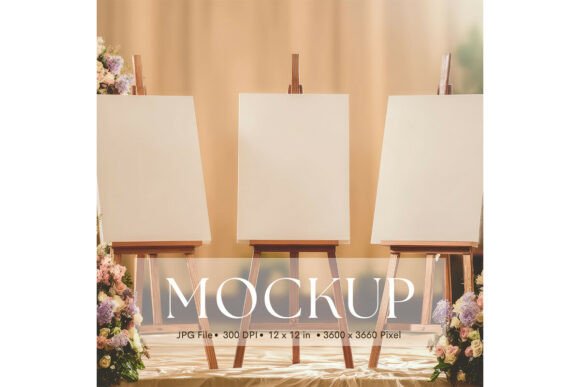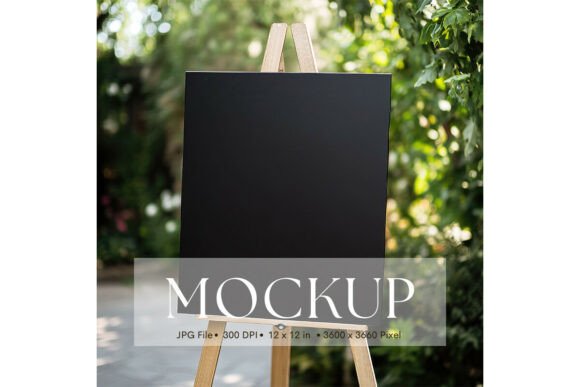
Welcome Sign, Wedding Sign Mockup_142: A Clean Slate for Your Art
Picture this: you've just finalized a beautiful design for a client's wedding, a custom illustration for your shop, or a piece of art you're incredibly proud of. The colors are perfect, the lines are crisp, and the message is clear. Now, you need to show it off to the world—or to a client for approval. You could simply place the file on a plain white background, but that feels sterile, disconnected from reality. How will this design actually look on a physical sign, held by a happy couple or displayed at an event? This is where a thoughtfully crafted mockup becomes your most valuable design asset, bridging the gap between your digital file and its real-world application.
The Power of a Neutral Canvas
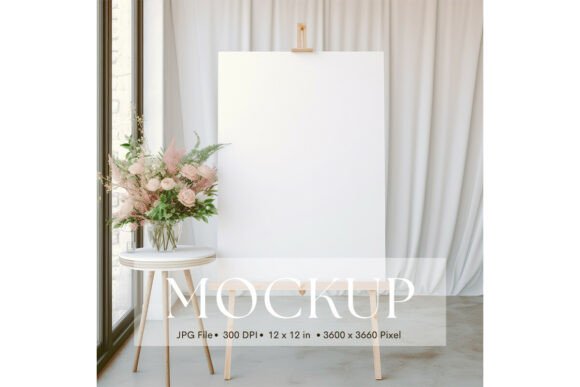
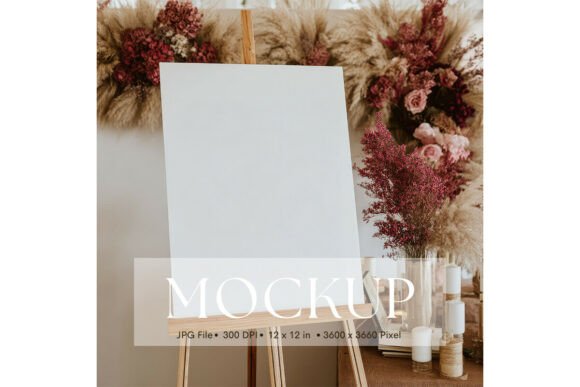
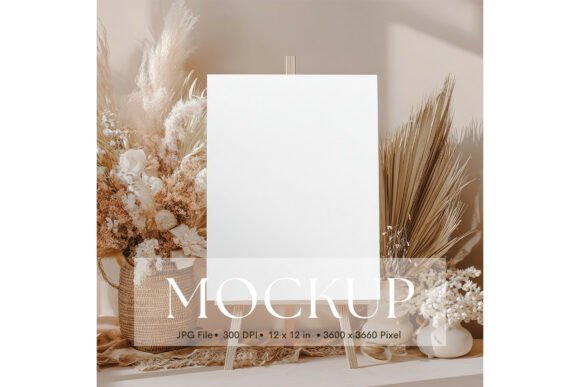
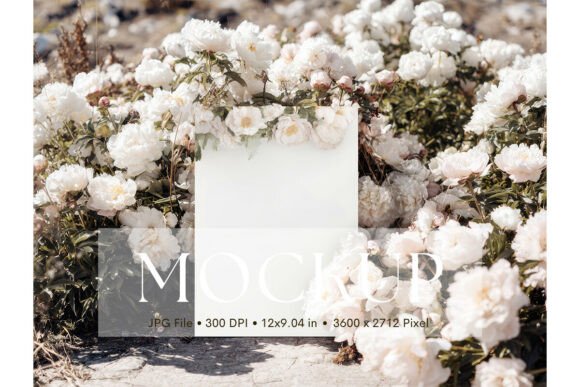
The Welcome Sign, Wedding Sign Mockup_142 is designed with one core principle: let your work be the hero. Its minimalist composition is its greatest strength. There are no busy patterns, competing textures, or distracting elements pulling the viewer's eye away from the artwork you've placed within it. This clean, natural setting acts as a professional photographer's studio backdrop for your designs. Whether you're presenting a hand-lettered script, a bold typographic statement, or a delicate floral illustration, the mockup frames it in a way that feels authentic and polished. It’s the difference between showing a client a sketch on a napkin and showing them a photograph of the finished product already in its intended environment.
This particular file is a high-resolution JPG, sized at 3600 x 3600 pixels (or 12 x 12 inches). This generous resolution ensures your final presentation will be sharp and detailed, suitable for everything from a quick email preview to a high-quality portfolio piece or even a printed proof. Because it's a flat image file without layered smart objects, the process is incredibly straightforward: you simply open your design, place it into the mockup using your preferred software, and adjust the size and position. The result is an instant, professional-grade presentation that saves you hours of time you might otherwise spend staging a photo shoot or struggling with complex 3D rendering software.
From Wedding Invitations to Brand Kits: Real-World Applications
So, where exactly does a mockup like this shine? The applications are broader than you might initially think, touching nearly every corner of visual communication and marketing.
For wedding stationers and event designers, this is a no-brainer. You can instantly showcase invitation suites, welcome sign designs, table numbers, or ceremony programs in a context that resonates emotionally with couples. Instead of sending a flat PDF, you send a mockup that lets them visualize their names in that beautiful script font on an actual sign. It elevates your client experience and helps justify premium pricing for your custom work.
Small business owners and entrepreneurs can use it to present brand assets in a cohesive way. Imagine creating a mockup that features your new logo on a welcome sign for your boutique, café, or studio. This single image can then be repurposed across your marketing materials. Use it on your website's "About Us" page to create a welcoming first impression, feature it in a social media post announcing your new branding, or include it in a digital lookbook for wholesale partners. It builds brand recognition by consistently showing your visual identity in a professional, real-world setting.
Graphic designers and illustrators will find it invaluable for portfolio presentations and client proofs. When you deliver a final logo design or a custom illustration, presenting it on a mockup like this demonstrates how the asset can be applied beyond a digital screen. It shows foresight and an understanding of practical application, which clients deeply appreciate. It’s also perfect for creating mockups for your own online shop, whether you sell digital downloads of printable art or physical prints. Showing a poster design "framed" on this sign gives potential buyers a much clearer vision of the final product.
Elevating Your Visual Storytelling and Brand Consistency
Using a consistent set of high-quality mockups is a subtle yet powerful strategy for strengthening your brand's visual language. When all your presentations—from client proposals to social media feeds—use a similar aesthetic and quality level, you create a sense of reliability and professionalism. The Welcome Sign, Wedding Sign Mockup_142, with its neutral and adaptable style, can become a staple in your toolkit. Its minimalist nature means it won't clash with different design styles, whether your work is modern, rustic, elegant, or playful.
This consistency directly impacts audience engagement. People are drawn to visuals that feel polished and complete. A well-presented design using a mockup like this is more likely to stop someone mid-scroll on Instagram, earn a click on Pinterest, or reassure a hesitant client. It communicates that you care about the details, which translates into trust in your brand or creative services. Furthermore, it aids in brand recognition. When followers repeatedly see your work presented in this clean, professional manner, they begin to associate that quality with your name, making your content instantly recognizable even before they see your logo.
Practical Tips for Using Your Mockup Effectively
To get the most out of this asset, keep a few practical considerations in mind. First, choose your design elements wisely. The mockup's simplicity means the focus will be squarely on your typography and graphics. If you're using a script font or a handwritten font, ensure it's legible at the size it will appear in the mockup. Pair it with a clean sans serif font for any supporting text if needed, but test the combination within the mockup itself to see how they interact visually.
Color management is key. As noted, colors can vary between screens, printers, and materials. The mockup provides a neutral background, so the colors of your design will appear true to what you've created. However, always do a final check on the device you'll be using for the presentation or the printer you'll be using for proofs. If your design is for a physical product, consider how the inks and paper stock might affect the final hue.
Think beyond the obvious. While it's perfect for wedding signs, try using it to display a motivational quote for your coaching business, a menu for your food blog, a custom pattern for your textile design, or a key statistic for an infographic. The "sign" concept can be abstract—it's a frame for your most important message or artwork.
Finally, always review the licensing of any design asset you use. Confirm that the mockup's license permits your intended use, especially if you plan to use the final images for commercial purposes like selling prints, marketing a paid service, or including them in products for sale. Understanding these terms ensures you can use your beautiful presentation with complete confidence.
In the end, the goal is to communicate your vision as clearly and compellingly as possible. A tool like this mockup removes the technical barriers between your idea and its visual realization, allowing you to focus on what you do best: creating. It’s a simple, effective way to add a layer of professionalism and context to your work, making your designs not just seen, but truly understood.